
In partnership with

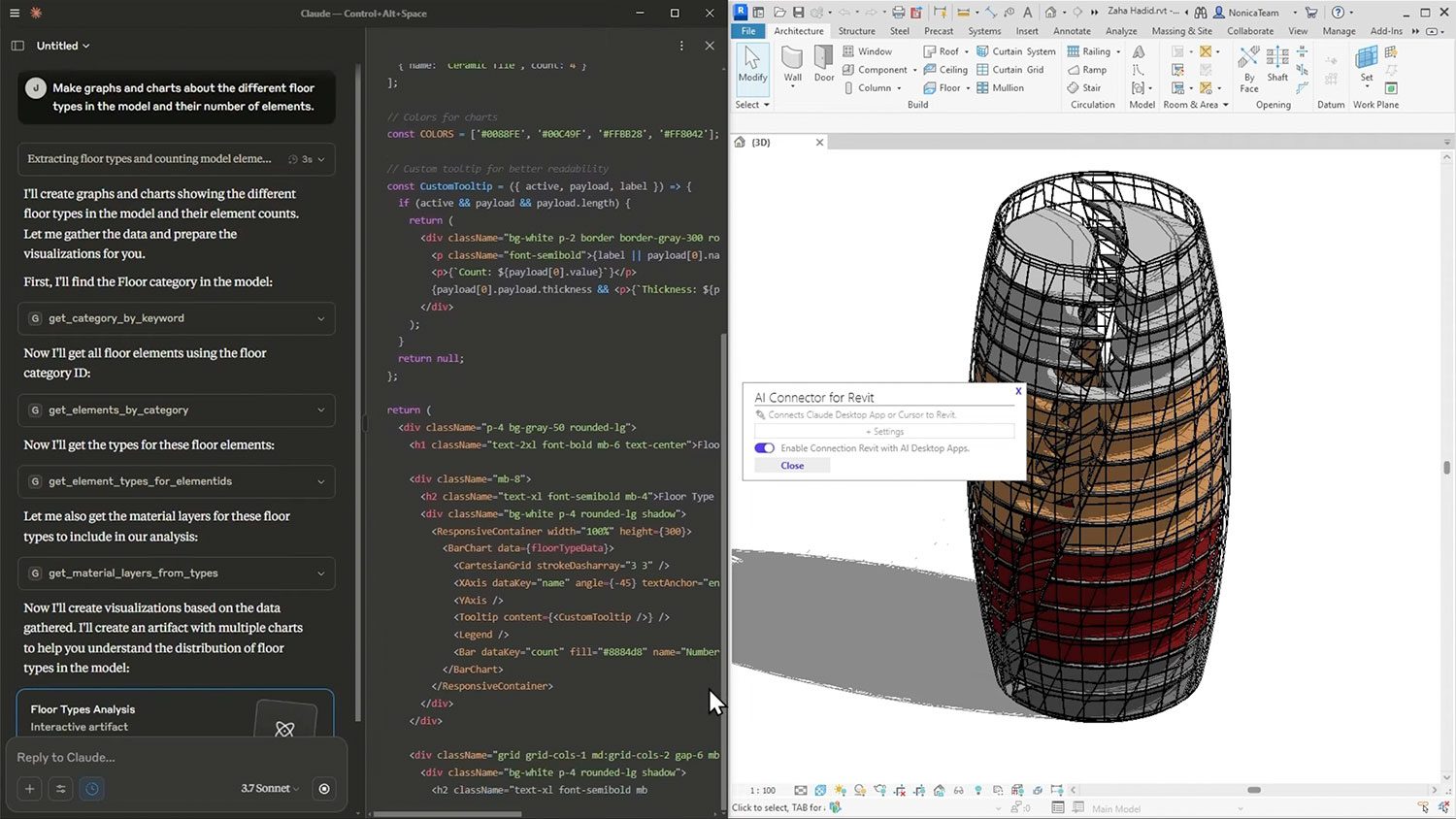
NonicaTab, a Revit add-in that allows users to customise and share Revit toolbars across teams, now includes a new “A.I Connector” that connects AI desktop apps like Claude, Cursor, or Copilot with Revit.
It allow users to ask questions about their building model in plain English instead of clicking through menus or writing scripts.
NonicaTab A.I. Connector for Revit works through Model Context Protocol (MCP), which provides a way for the AI app and Revit to communicate. Rather than having AI generate new code from scratch, it gives the AI a set of pre-built tools designed for reading, analysing, and editing Revit models.
According to the company, this is important because AI-generated code for Revit tends to be unreliable, so using tested tools instead reduces errors.
Users can ask it things like “show me all the doors in this project” or “check room accessibility” and it pulls that information using those tools. It also supports multiple AI agents working at the same time on different tasks.
Video: Revit MCP Explained | The AI Agents That Builds Your BIM Model
The AI Spotlight Directory is published by AEC Magazine in partnership with HP and Nvidia.
