

In partnership with

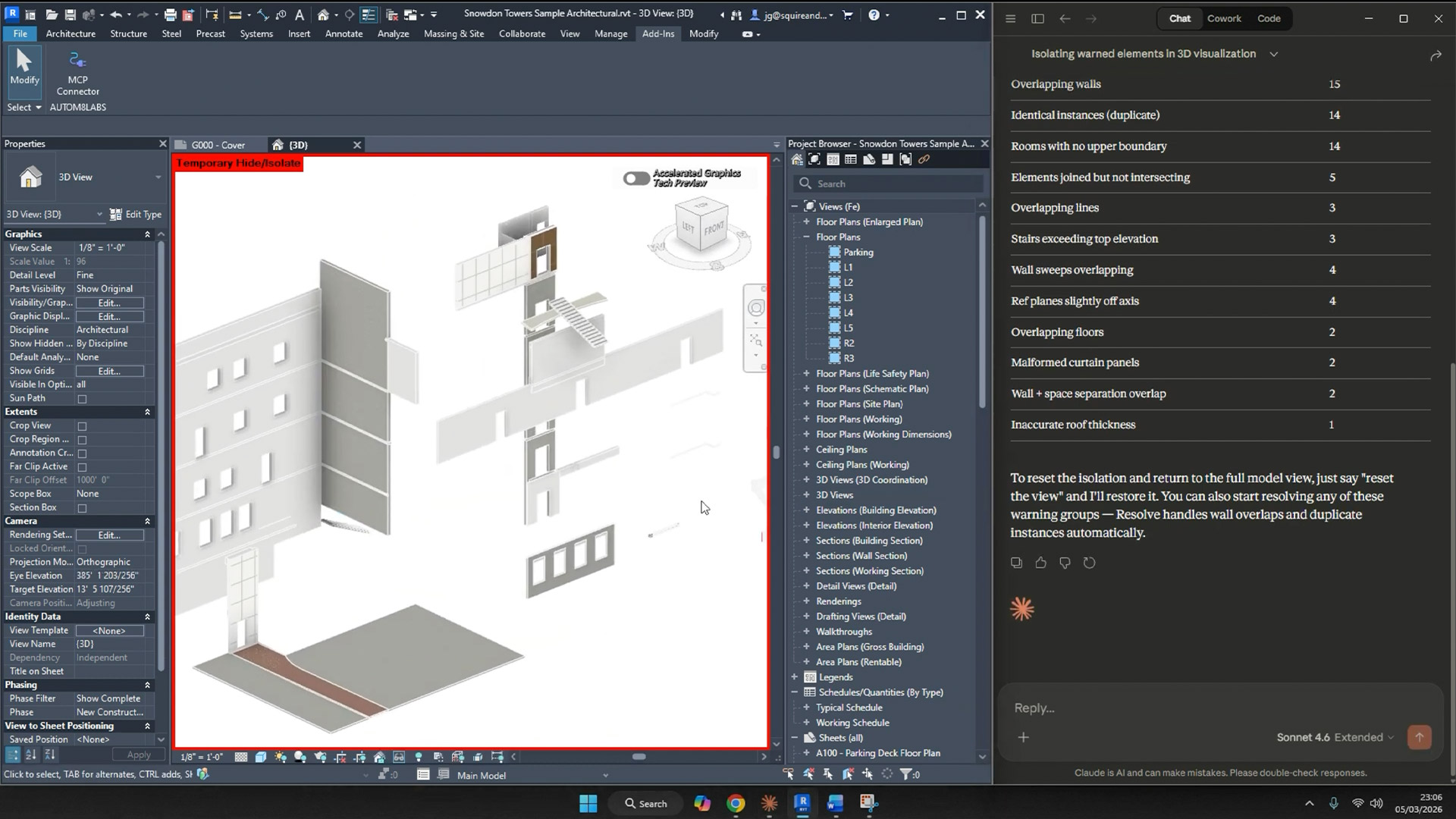
MCP Connector is a free add-in that enables AI applications like Claude Desktop and Cursor to interact directly with your Revit sessions.
Conversational prompts can be used to query elements, analyse model data, and execute complex BIM operations without writing any code. Users can use their own AI subscription without restrictions. According to the developers, it will work on any PC powerful enough to run Revit.
Example conversations include:
“What warnings does this model have?”
“Get all walls on Level 1 and show their type names.”
“How many doors are in this project?”
“List all sheets with their revision status.”
“What are the room areas on Level 2?”
“Show me the parameters for element 123456.”
“Which worksets are open?”
“Isolate the walls with warnings so I can review them.”
MCP Connector ships with 36 tools across 8 categories for querying elements, pulling schedule information, analysing warnings, and exploring data through natural language.
The AI Spotlight Directory is published by AEC Magazine in partnership with HP and Nvidia.
