

In partnership with

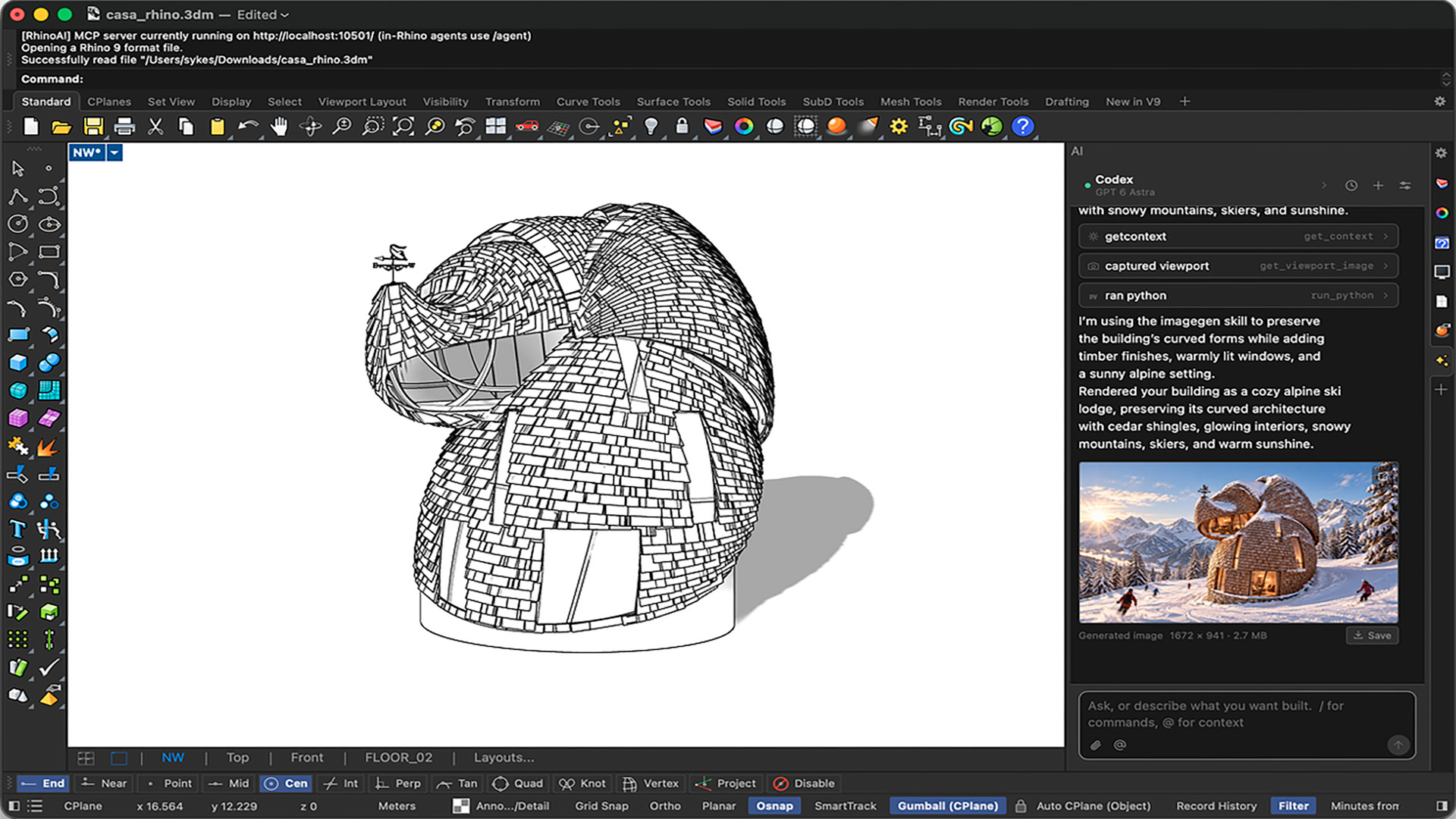
RhinoAI is an open-source plug-in that connects Rhino and Grasshopper (1 & 2) to AI assistants like Claude, Codex, Gemini, GitHub Copilot, and local open-weight LLMs. Designers can use it to automate tasks, generate models, query for information and turn prompts Into reusable Rhino commands.
RhinoAI can generate 3D models from drawings, images and written descriptions. For example, users can provide a three-view drawing of an object and ask the AI to interpret and construct it. They can then refine the geometry through further prompts or turn the result into a parametric Grasshopper definition, with adjustable sliders controlling individual dimensions.
For designers who have never written a script and developers who write them every day, RhinoAI can also be used to write and run Python or C# against their model. The user describes the outcome in plain language, judges the result in the viewport, and when a prompt gets it right, it can be saved as a reusable Rhino command.
RhinoAI works both inside and outside of Rhino. Inside Rhino, a chat windows docks next to the model the the user can choose which tools it can reach, from read-only to full control.
Outside Rhino, users can run MCPConnect and drive Rhino from the AI app you already use, such as Claude, Codex, Gemini, or Visual Studio. It can launch and restart Rhino, run several Rhino 8 and Rhino 9 sessions at once, and work across files. According to McNeel, that makes it a strong fit for batch work and plugin development.
The AI Spotlight Directory is published by AEC Magazine in partnership with HP and Nvidia.
